Vibration is an important smartphone feature that alerts users about incoming calls, messages, notifications, alarms, and other activities. When vibration suddenly stops working, it can be difficult to know whether the problem is caused by software settings or a hardware component.
A mobile phone vibration not working problem can have several causes, including incorrect settings, software glitches, a damaged vibration motor, liquid exposure, physical impact, or a motherboard-related fault.
Understanding the symptoms and following a systematic diagnostic process can help identify the actual cause of the problem.
Why Is My Mobile Phone Vibration Not Working?
Before assuming that the vibration motor is damaged, technicians should check the basic settings and software.
Common causes include:
- Vibration disabled in settings
- Do Not Disturb or silent-mode configuration
- Software glitches
- Failed system update
- Damaged vibration motor
- Loose or damaged connector
- Water or liquid damage
- Physical impact
- Motherboard circuit failure
The correct repair depends on the actual cause.
1. Check the Vibration Settings
The first step is to check whether vibration has been disabled accidentally.
Depending on the smartphone model, vibration settings may be available under sound, notification, accessibility, or haptic feedback settings.
Check options related to:
- Incoming calls
- Notifications
- Touch feedback
- Haptic feedback
- Alarm vibration
If vibration has been disabled through software settings, no hardware repair may be necessary.
2. Restart the Smartphone
Temporary software errors can sometimes affect vibration and other hardware functions.
Restarting the device is a simple diagnostic step that can help determine whether the problem is temporary.
If vibration starts working after restarting, the issue may have been software-related.
3. Test Vibration With Different Functions
A useful diagnostic method is to check vibration in different situations.
For example, test:
- Incoming calls
- Notifications
- Alarm
- Keyboard haptic feedback
- System touch feedback
If vibration works in one situation but not another, the issue may be related to a specific software setting rather than a failed vibration motor.
4. Check the Vibration Motor
If software settings appear normal, the vibration motor should be inspected.
Smartphones use small vibration components to create haptic feedback. Depending on the phone design, the component may be a conventional vibration motor or another type of haptic actuator.
A damaged component may cause:
- No vibration
- Weak vibration
- Intermittent vibration
- Unusual vibration noise
A technician can inspect and test the component to determine whether replacement is necessary.
5. Inspect the Phone After a Drop
Physical impact can damage internal components.
If the vibration stopped immediately after the phone was dropped, technicians should inspect:
- Vibration component
- Flex cable
- Connector
- Nearby motherboard components
- Solder joints
A physical inspection can help identify damage that is not visible from outside the phone.
6. Check for Liquid Damage
Water or other liquids can damage smartphone components and connectors.
If vibration stopped after liquid exposure, corrosion may be present around the vibration circuit or motherboard.
Other symptoms may also appear, such as:
- Charging problems
- Speaker problems
- Display issues
- Network problems
- Random shutdowns
Liquid-damaged phones should be inspected professionally rather than repeatedly powered on.
How Technicians Diagnose a Vibration Problem
When basic troubleshooting does not resolve the issue, a technician can move toward hardware diagnosis.
Step 1: Confirm the Symptom
First determine whether vibration is completely absent or simply weaker than normal.
This helps narrow down the possible causes.
Step 2: Inspect the Vibration Component
The technician can visually inspect the vibration motor or haptic component for physical damage.
The surrounding area should also be checked for corrosion or signs of previous repair.
Step 3: Inspect Connectors and Flex Cables
Some smartphones connect the vibration component through a flex cable or motherboard contact.
A damaged or improperly connected cable can prevent the component from receiving the required electrical connection.
Step 4: Test the Circuit
If the component appears normal, the technician may test the relevant circuit.
Depending on the smartphone design, testing can involve:
- Voltage measurement
- Continuity testing
- Component inspection
- Short-circuit checks
- Connector testing
A digital multimeter can be useful during this stage.
Step 5: Test With a Known-Good Component
When appropriate, a technician may use a compatible working vibration component for diagnostic testing.
If the replacement works, the original component may be defective.
If the replacement also fails, the fault may be elsewhere in the circuit.
When Is Motherboard Repair Required?
Not every vibration problem requires motherboard repair.
If the vibration motor is damaged, replacing the component may solve the problem.
However, if the motor works correctly but the phone does not supply the required electrical connection, the fault may be located on the motherboard.
Motherboard-level diagnosis may involve:
- Circuit tracing
- Voltage testing
- Component testing
- Identifying damaged components
- Micro-soldering
- Replacing faulty components
These procedures require specialized knowledge and equipment.
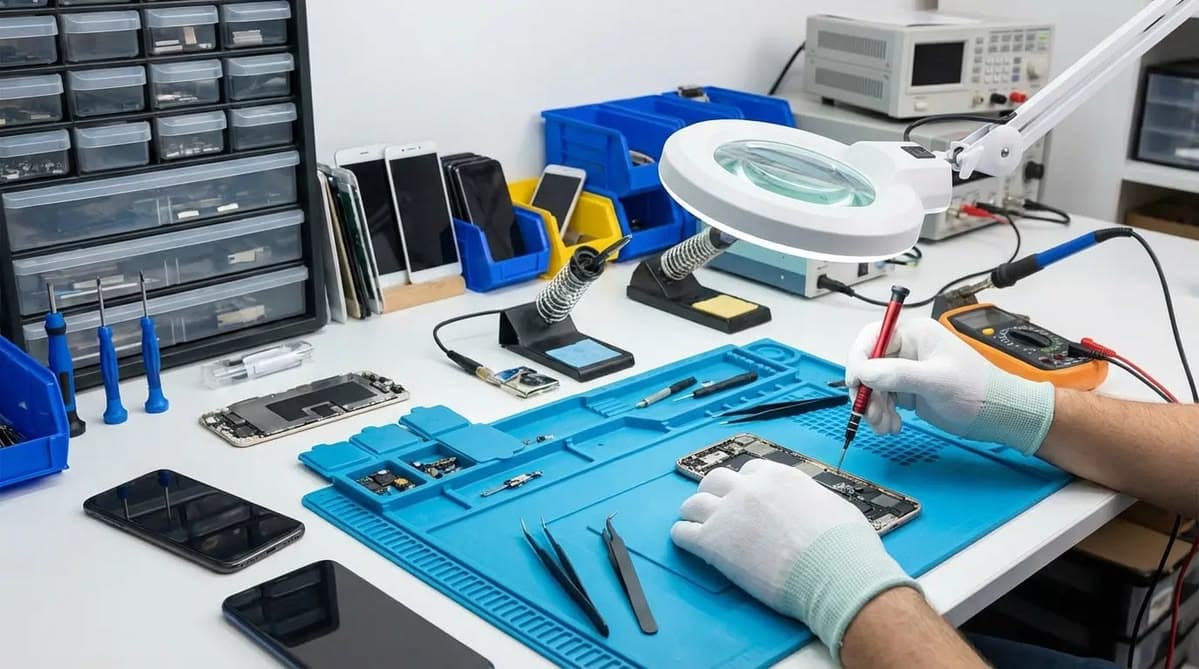
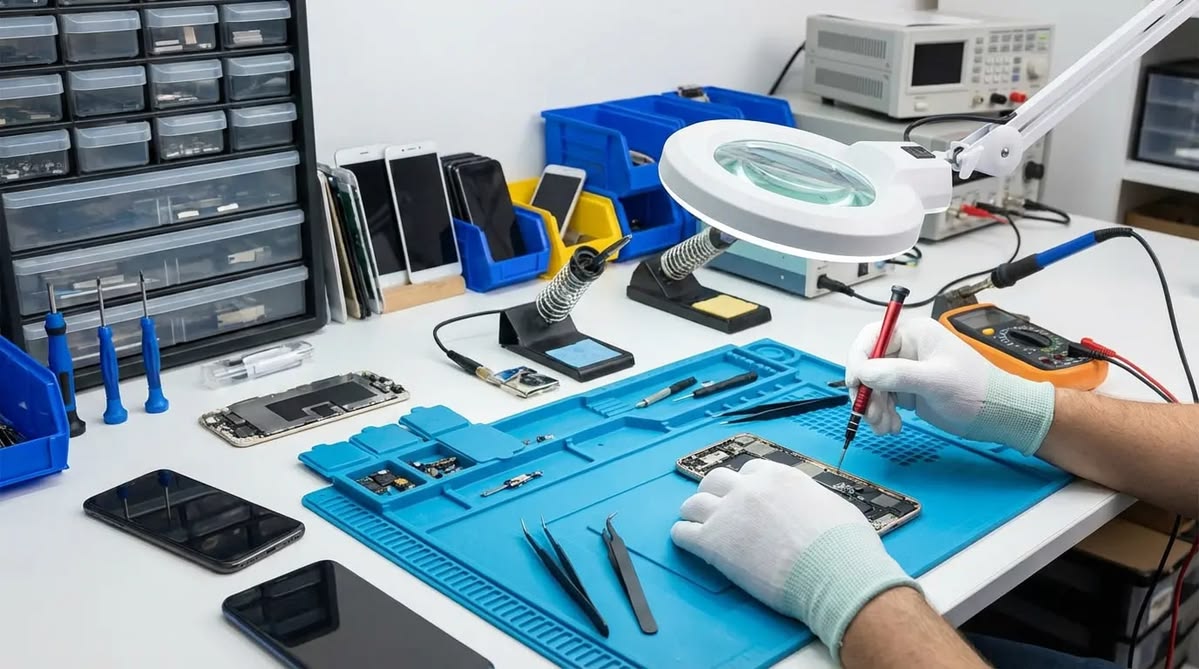
Tools Used for Mobile Vibration Repair
Professional technicians may use several tools when diagnosing smartphone hardware problems.
Common tools include:
- Digital multimeter
- DC power supply
- Microscope
- Precision tweezers
- Soldering station
- Hot air rework station
- PCB cleaning tools
- Diagnostic equipment
The required equipment depends on the smartphone model and the nature of the fault.
Common Mistakes to Avoid
When dealing with a vibration problem, replacing components without proper diagnosis can waste time and money.
Avoid:
- Immediately replacing the vibration motor
- Ignoring software settings
- Applying excessive heat to the motherboard
- Using unsuitable replacement components
- Working on liquid-damaged boards without proper inspection
- Attempting motherboard repair without appropriate tools
A systematic diagnostic process is safer and more effective.
Why Mobile Repair Technicians Need Diagnostic Skills
Modern smartphones contain compact and complex electronic circuits. A technician needs to understand more than component replacement to handle advanced faults.
Training in mobile repairing can help technicians develop skills in:
- Smartphone hardware identification
- Circuit testing
- Soldering
- Micro-soldering
- Motherboard diagnosis
- Component replacement
- Troubleshooting
- Use of professional repair equipment
These skills are particularly useful when a simple component replacement does not solve the problem.
How to Prevent Vibration Problems
Users can reduce the risk of hardware damage by taking basic precautions.
Protect the Phone From Drops
Use a suitable protective case to reduce the effect of accidental impacts.
Keep the Device Away From Liquids
Liquid exposure can damage internal components and connectors.
Avoid Unqualified Repairs
Incorrect repair techniques can damage small components and motherboard tracks.
Address Problems Early
If vibration becomes weak or intermittent, getting the phone diagnosed early may help prevent additional problems.
Conclusion
A mobile phone vibration not working problem can be caused by something as simple as a disabled setting or as complex as a motherboard circuit fault.
Technicians should begin with software settings and basic troubleshooting before moving toward hardware diagnosis. If the vibration component is damaged, replacement may solve the issue. If the component is functioning but the circuit has a fault, advanced motherboard diagnosis may be required.
Learning systematic troubleshooting, component testing, soldering, and chip-level repair can help mobile technicians handle a wider range of smartphone hardware problems.