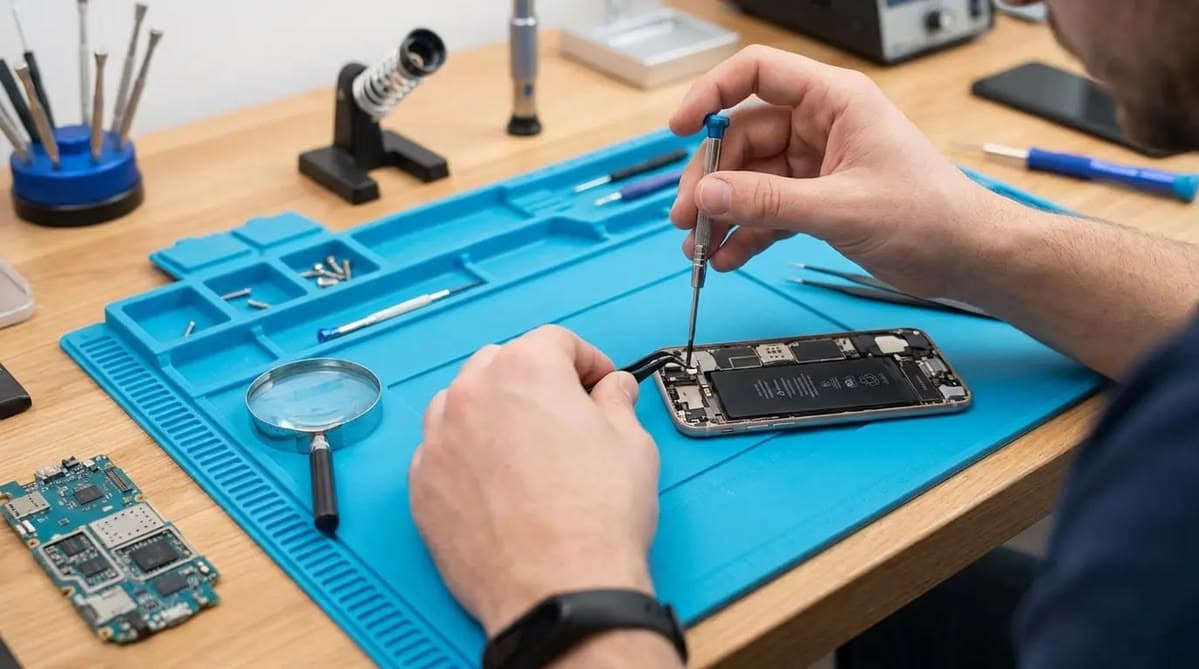
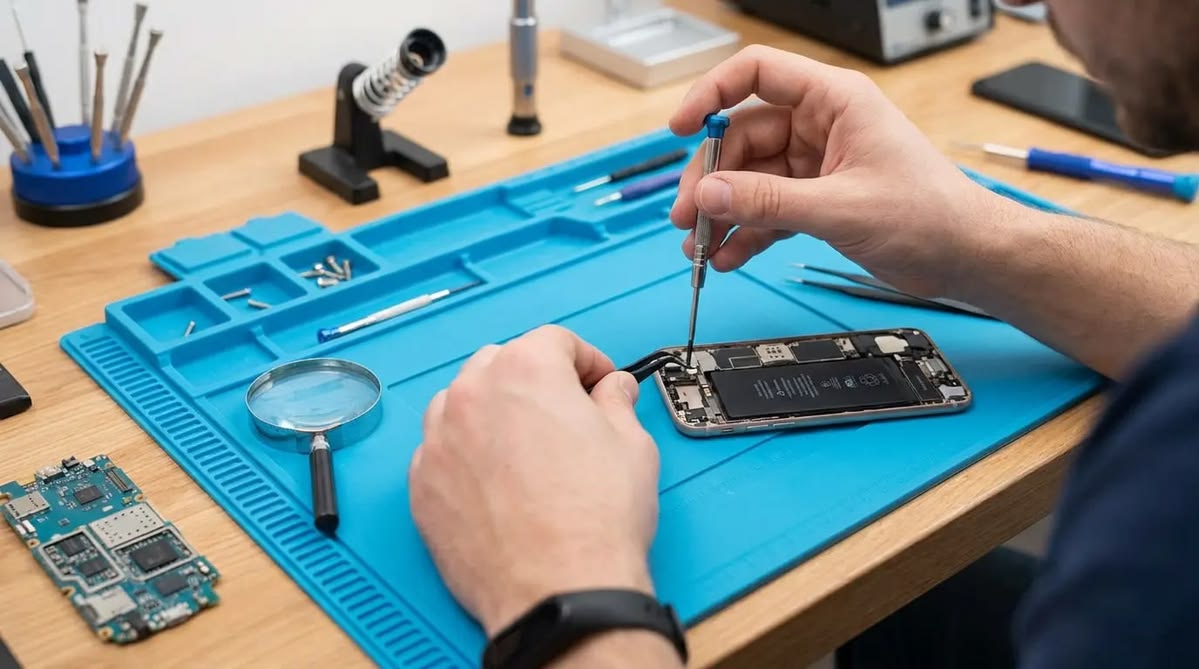
Smartphones can develop problems that are not always visible from the outside. A phone may restart unexpectedly, heat up during normal use, lose its network connection, or stop charging even when the charging cable is working properly. In these situations, identifying the actual fault is the first step towards an effective repair.
When searching for a Mobile Repair Shop Delhi, customers should understand the importance of proper diagnosis before agreeing to replace any component. A systematic diagnostic check helps technicians narrow down possible causes, recommend suitable repairs, and avoid unnecessary part replacements.
This guide explains how smartphone diagnostics work, which components may be checked, and what customers should know before handing over their devices for repair.
Why Is Smartphone Diagnosis Important?
A single smartphone problem can have several possible causes. For example, a phone that does not charge could have a damaged charging cable, a faulty charging port, a weak battery, or a problem with the charging circuit on the motherboard.
Replacing a component without checking the underlying fault may waste time and money. A diagnostic process helps technicians investigate the symptoms before deciding on the appropriate solution.
A professional diagnostic check can help with:
- Identifying the possible source of a malfunction.
- Distinguishing software problems from hardware faults.
- Determining whether a component needs repair or replacement.
- Estimating repair costs before work begins.
- Identifying additional faults that could affect device performance.
Accurate diagnosis is particularly important for modern smartphones because their internal components are compact and interconnected.
Common Smartphone Problems That Need Diagnosis
1. Charging and Battery Problems
If a smartphone charges slowly, loses battery power quickly, or switches off unexpectedly, the cause may not always be the battery itself.
A technician may inspect the charging port, charging accessories, battery condition, and relevant power circuits. These checks help determine whether the problem is related to an external accessory, a worn component, or an internal electrical fault.
Customers should avoid repeatedly using damaged charging cables or attempting unsafe battery repairs at home.
2. Display and Touchscreen Issues
A smartphone display may show flickering, coloured lines, dark patches, or no image at all. In other cases, the screen may display content correctly while the touchscreen fails to respond.
A diagnostic check can help distinguish between display damage, touchscreen faults, loose connections, and possible motherboard-related issues.
The appropriate repair depends on the phone model, the extent of the damage, and the results of the inspection.
3. Network and Connectivity Failures
Problems with mobile signals, Wi-Fi, Bluetooth, or SIM detection can interrupt everyday smartphone use.
Before recommending a hardware repair, a technician may check the device settings, SIM card, software configuration, antenna connections, and relevant internal circuits.
This step is important because connectivity problems can sometimes be resolved through basic troubleshooting rather than component replacement.
4. Overheating and Unexpected Shutdowns
A phone that becomes unusually hot or shuts down without warning may have several possible causes, including demanding applications, battery deterioration, charging problems, or an internal hardware fault.
The technician may examine battery behaviour, charging performance, software activity, and power-related components.
If the device becomes extremely hot, swells, or produces an unusual smell, stop using and charging it and seek qualified assistance.
5. Camera, Speaker, and Microphone Faults
Camera errors, unclear calls, low speaker volume, and microphone failures can result from damaged modules, blocked openings, software issues, or internal connection problems.
Testing the affected feature helps determine whether the fault is isolated to one component or associated with another issue.
What Happens During a Professional Phone Diagnostic Check?
A structured inspection generally involves several stages. The exact process depends on the symptoms, smartphone model, and repair facility.
Step 1: Understanding the Symptoms
The technician first asks about the problem, when it started, and whether the phone has experienced a fall, liquid exposure, recent repair, or software update.
This information helps narrow down potential causes and guides the next checks.
Step 2: Physical Inspection
The technician examines the phone for visible damage, including a cracked display, bent frame, damaged charging port, swollen battery, or signs of liquid exposure.
External inspection can reveal useful clues, although internal problems may still require further testing.
Step 3: Basic Functional Testing
Where it is safe to do so, the technician tests relevant functions such as charging, display response, audio, cameras, buttons, network connectivity, and battery behaviour.
Not every test is necessary for every repair. The checks should focus on the reported symptoms and any related concerns.
Step 4: Software and Hardware Troubleshooting
If basic checks do not identify the problem, the technician may investigate software errors, connectors, electrical measurements, or individual hardware components.
Advanced faults may require specialised diagnostic equipment and board-level inspection. Chip-level repairs should only be performed by technicians with the appropriate training and equipment.
Step 5: Repair Estimate and Customer Approval
After identifying the likely cause, the repair provider should explain the recommended work, expected charges, replacement-part options, and estimated completion time.
Customers should approve the repair only after understanding the proposed solution. If the cause remains uncertain, ask which additional tests are necessary and whether further charges may apply.
Step 6: Testing After Repair
Once the repair is completed, the technician should test the affected functions again. Depending on the repair, additional checks may include charging, touch response, audio, connectivity, cameras, and general operation.
Post-repair testing helps verify that the reported issue has been addressed and may reveal related problems that require attention.
How to Prepare Your Phone Before Visiting a Repair Shop
Before taking your smartphone to a Mobile Repair Shop Delhi, follow these practical precautions.
Back up important files: Save essential photographs, contacts, documents, and other data wherever possible.
Protect your accounts: Never share banking passwords, payment PINs, or account credentials with a repair technician. Use available privacy or repair modes on your device when supported.
Describe the issue clearly: Explain when the problem occurs, how frequently it happens, and what troubleshooting you have already attempted.
Record existing damage: Take photographs of visible cracks, dents, or other damage before handing over the device.
Ask about data risks: Some repairs, particularly those involving storage or motherboard faults, may carry a risk of data loss. Clarify this before authorising work.
Request a written estimate: Ask for the expected cost and whether the diagnostic fee is separate from the repair charge.
These simple steps can make the repair process clearer and help protect your personal information.
How to Evaluate a Mobile Repair Service in Delhi
Choosing a repair provider involves more than comparing prices. Look for a service that explains its diagnostic findings and recommends repairs based on evidence.
Consider the following factors:
- Technical expertise: Ask whether the technician has experience with your phone brand and the specific problem.
- Diagnostic process: The repair provider should explain what has been checked and what remains uncertain.
- Clear pricing: Request an estimate before approving component replacement.
- Parts transparency: Ask about the type, quality, and warranty of any replacement component.
- Repair documentation: Keep the service receipt and details of the work performed.
- Post-repair support: Confirm the applicable warranty terms and how to request assistance if the problem returns.
For complicated motherboard faults, choose a facility equipped to perform the required level of diagnosis and repair.
Why Choose BRITCO Delhi for Mobile Repair Guidance?
BRITCO & BRIDCO has a presence in Karol Bagh, Delhi, and provides mobile repair-related services alongside technical training. Its website describes diagnostic and repair capabilities for smartphones and other electronic devices.
Customers looking for a Mobile Repair Shop Delhi can contact the team to ask about their particular device issue, the diagnostic process, available repair options, and applicable service terms.
Before approving a repair, explain the symptoms and ask for a clear assessment of the work required.
Learn more about BRITCO Delhi on the official website: https://britcodelhi.in/
Conclusion
Smartphone problems do not always have an obvious cause. A charging failure, overheating issue, network error, or unresponsive touchscreen may result from different hardware or software faults.
When choosing a Mobile Repair Shop Delhi, prioritise systematic diagnosis, transparent pricing, appropriate technical expertise, data protection, and post-repair testing.
Understanding the diagnostic process helps you ask better questions, compare repair recommendations, and make a more informed decision about your smartphone. A careful diagnosis is an important first step towards a reliable repair and longer device life.